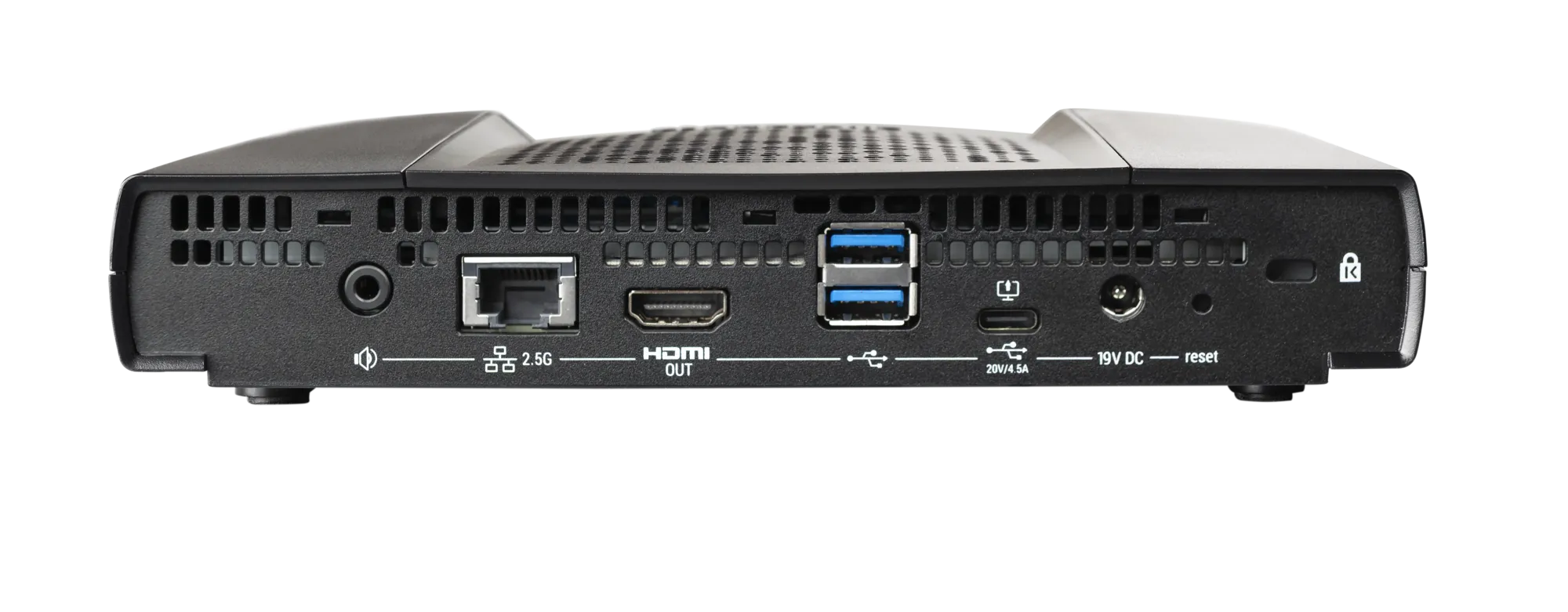
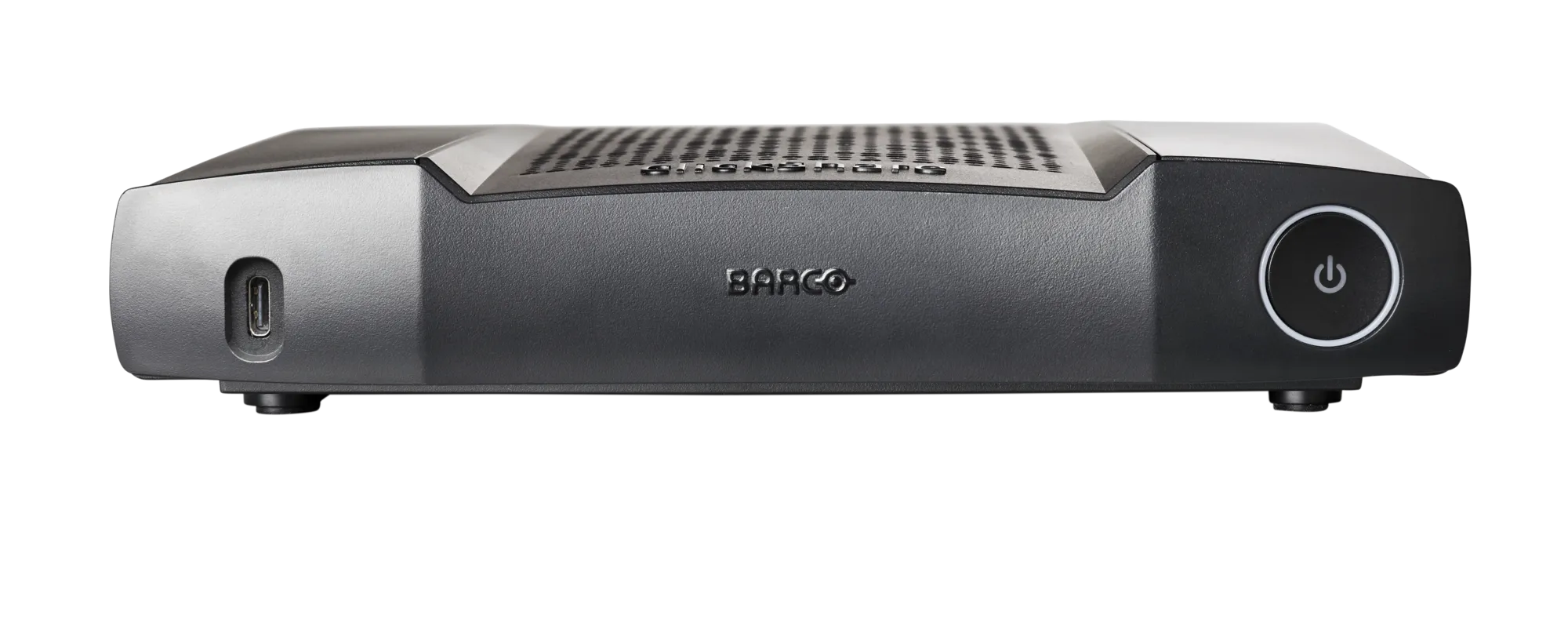
- 2x USB-A 2.0 ports (back); 1x USB-A 2.0 port (front)
- 1x USB-C 2.0 port (back)
- 1x Ethernet LAN 1 Gbit
- 1x HDMI™ 1.4b video input (1920x1080 @30Hz)
- 1x HDMI™ 1.4b video output (4K UHD 3840x2160 @30Hz)
- 1x analog audio line-out (3.5mm mini-jack)
- 1x digital audio S/PDIF output
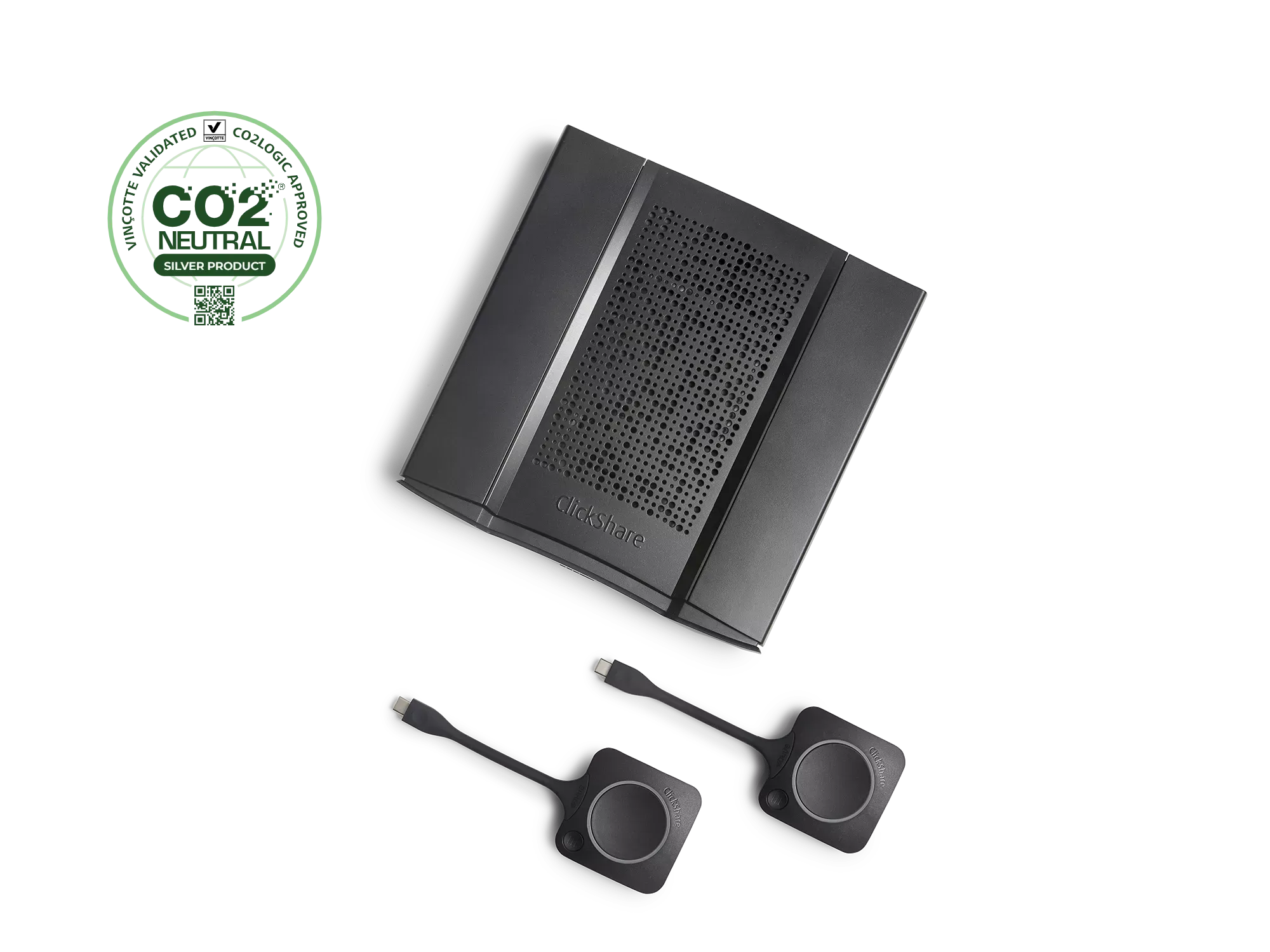
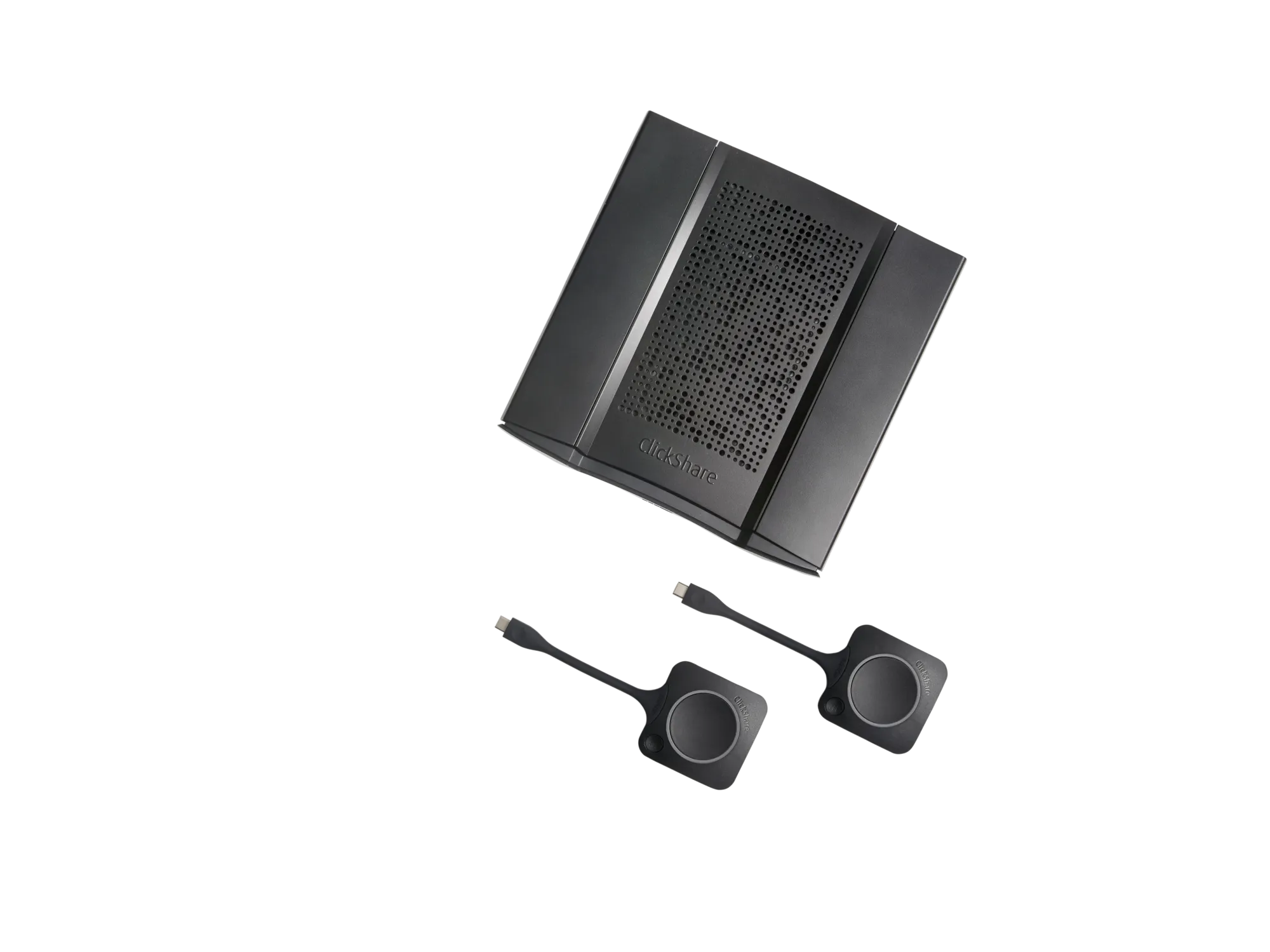
- 2x ClickShare Buttons
- 2x USB-C ClickShare Buttons
- IEEE 802.11 a/g/n/ac and IEEE 802.15.1 wireless transmission protocols
- WPA2-PSK authentication in standalone mode
- WPA2-PSK or IEEE 802.1X authentication using ClickShare Button in network integration mode
- Maximum 30m (100 ft) range between ClickShare Button and Base Unit
- Maximum 2 sources simultaneously on screen
- Maximum 32 simultaneous connections (with Buttons and/or App)
- Noise level: Max. 25dBA @ 0-30°C; Max. 30dBA @ 30-40°C
- Operating temperature: 0°C to +40°C (+32°F to +104°F)
- Storage temperature: -20°C to +60°C (-4°F to +140°F)
- Operating humidity: 0 to 85% relative humidity, non-condensing
- Storage humidity: 0 to 90% relative humidity, non-condensing
- Kensington lock anti-theft system
- FCC/CE certifications
- Interactivity: Yes
- Wireless conferencing via App or Button
- Local view: High quality
- Network connection: LAN & Wi-Fi (dual)
- Management and reporting: Yes
- Dimensions (HxWxD): 39mm x 200mm x 202mm
- Weight: 900g
- Power consumption: Operational: 50W (max); Standby: <8W (networked standby), <0.5W (deep standby mode)
- Power supply: Standard 110/220 V AC plug